Before You Automate, Fix the Process
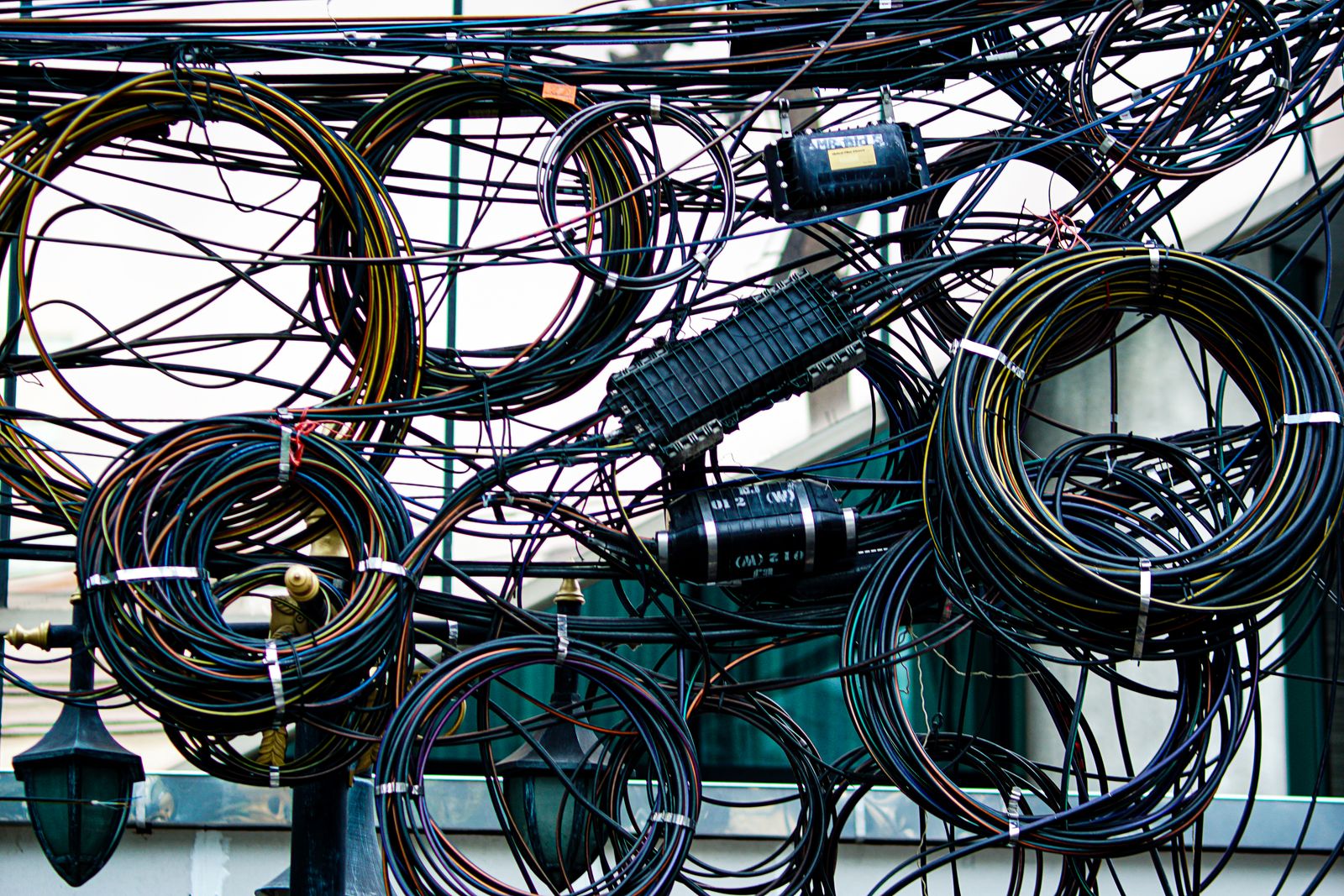
It’s Friday afternoon, and a customer calls to ask about the estimate you promised on Tuesday.
The job notes are in someone’s truck. The photos are in a text thread. Your office manager thought you were sending the quote. You thought they were waiting on a price. Somewhere in there, you started wondering whether an AI tool could sort this out.
Maybe it could help. But first, someone has to decide what happens between “we visited the customer” and “the estimate is ready.” A new subscription doesn’t settle that question for you.
Before you automate a task, make sure you can explain how it should work.
Why this is a useful project right now
If you’re reviewing software costs or planning next year’s budget, it’s a good time to look at the work behind those subscriptions.
An AI assistant might draft an estimate email. A customer relationship management system, usually called a CRM, might keep track of the customer and the next task. A reminder might stop the whole thing from disappearing until Friday.
Each solves a different problem. Knowing which problem you have is how you avoid paying for three tools when one clear handoff would do.
We’ve written about making sure contact-form inquiries get answered. This is the next question: once you’ve spotted a messy task, how do you decide which parts are ready for automation?
Find the gap before choosing the software
Often, the first problem is the handoff.
Ask the people doing the work to walk through the last real example. Where did the information arrive? Who needed it next? What held things up?
Listen for “usually,” “I assumed,” and “ask Susan.” Those are useful clues. Susan deserves a vacation, and your process should survive it.
Sometimes the fix is better software. Sometimes it’s a shared checklist, a single place for job notes, or an agreement about who follows up. Fixing that first gives any automation a clearer job.
Write down one workflow
Choose something that happens regularly and has a clear finish: preparing an estimate, confirming an appointment, or sending a customer update.
Then answer five questions:
- What starts it? A completed site visit, a booking request, or an approved order?
- Who owns the next step? Name the role responsible, including who covers when they’re out.
- What information do they need? Job notes, photos, current prices, approval, or a deadline?
- What needs a person’s decision? Missing details, unusual work, a complaint, or a price exception?
- How will you know it’s better? Less time spent chasing information, fewer missed promises, or less rework?
You don’t need a 40-page operations manual. A page that two people can follow the same way is a useful start.
What that looks like in practice
Imagine a small landscaping company that keeps getting stuck between a site visit and an estimate. This is an example, not a client result.
Before: The owner takes photos, a crew member writes measurements, and the office prepares the estimate whenever all the pieces turn up. Nobody has agreed on what “ready to quote” means.
Fix the process: Put measurements, photos, requested work, and the promised response date in one shared job record. The person who visits the property completes that record. The office checks it for missing details, and the owner approves the scope and price. Assign a backup for days when either person is away.
Then automate the predictable parts: When the record is complete, create an estimate task for the office. Remind the owner if approval is overdue. Once the estimate is approved, prepare the customer email.
AI could help turn rough notes into a draft description of the work. A person checks that description against the notes before it reaches the customer. Pricing and unusual requests still need approval.
Measure the result: Record the time from site visit to estimate for a couple of weeks before the change. Compare it with a similar period afterward, and count estimates that needed corrections. For a low-volume business, use a larger sample before drawing conclusions. Faster isn’t much of a win if you’re apologizing more often.
Decide where AI actually helps
A reminder based on a due date doesn’t need AI. Neither does copying a completed form into a customer record. Ordinary automation can handle rules like those.
AI is more useful when the input is less tidy: summarizing job notes, suggesting a category for an inquiry, or drafting a reply. It can also misunderstand details, so give someone responsibility for checking the result.
Start with one small task. Agree on what a good result looks like, review the early output, and keep a way to do the work manually if the tool fails. The goal is less chasing and retyping, with fewer surprises for your customers.
Your website can make the first step easier
Good information at the start saves cleanup later.
If customers request estimates through your website, ask for the details your team actually needs: service type, location, and a short description of the job. Make it clear what happens next and when they should expect a response.
Only collect what you’ll use. A quote request shouldn’t feel like a mortgage application.
The bottom line
Pick one task that keeps getting stuck. Walk through a real example, agree on the handoffs, and write down what success would look like.
Then automate the repetitive parts and keep people responsible for the decisions. You may need a new tool. You may get a useful improvement before buying anything at all.
Not sure which part of your business is worth automating? Send us a message for a free, practical conversation about one workflow. We’ll help you identify the gaps and where software could actually save time.
Want more practical notes on small business tech, security, websites, and AI? Subscribe to the Avietech list for monthly-ish advice written by us and tested on us first.